
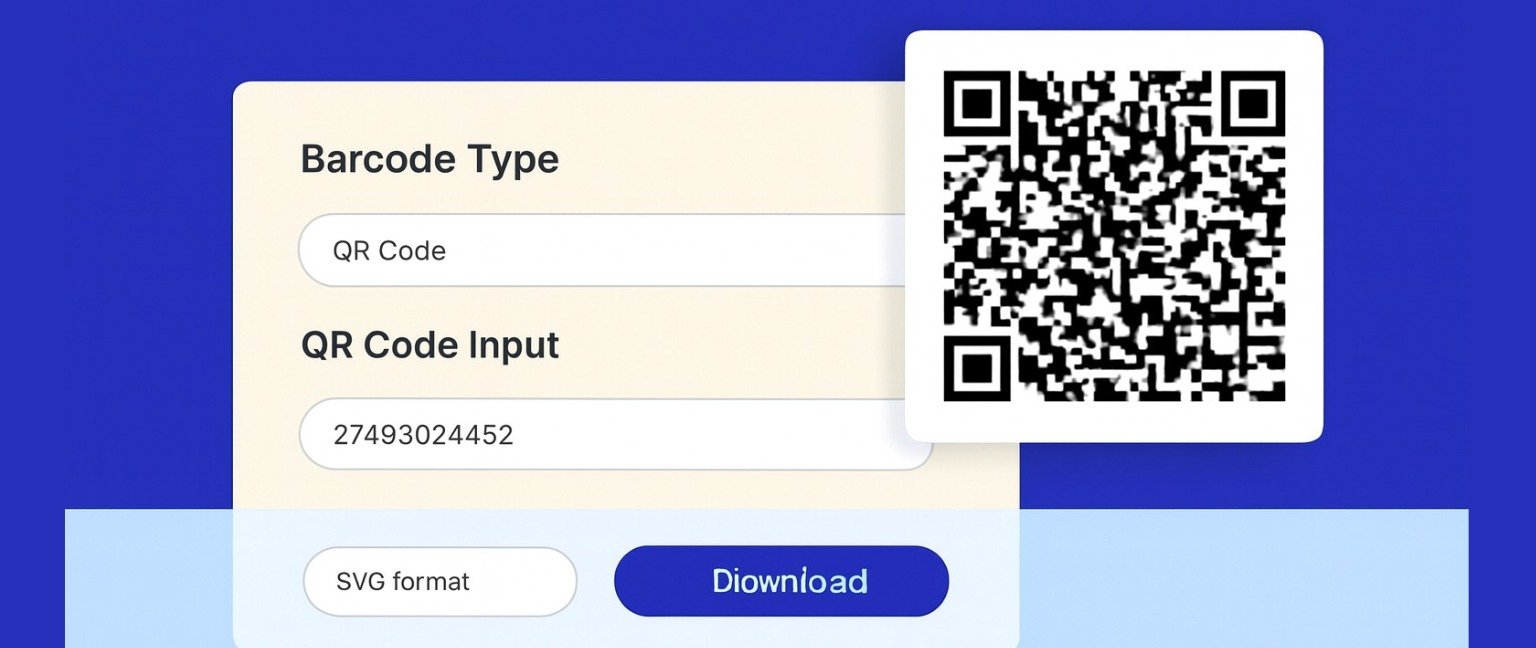
A barcode generator is a digital tool that creates scannable barcode images in various formats including UPC, EAN-13, Code 128, and QR codes for product identification, inventory management, and business applications. The PrimeInformers Barcode Generator uses encoding algorithms to convert numbers, text, or URLs into standardized barcode symbology that can be printed, scanned, and integrated into retail systems, shipping labels, asset tracking, and marketing materials instantly without requiring specialized software or technical expertise.
Barcode Generator
Understanding Barcode Technology
Barcodes encode data into visual patterns of parallel lines, squares, or dots that barcode scanners and smartphone cameras can read. Different barcode formats serve specific purposes:
UPC (Universal Product Code): Standard 12-digit format for retail products in North America, required by major retailers and e-commerce platforms for product listings.
EAN-13 (European Article Number): International 13-digit standard used globally for consumer goods, compatible with worldwide retail systems and inventory databases.
Code 128: High-density alphanumeric format supporting letters, numbers, and symbols, ideal for shipping labels, warehouse management, and logistics tracking.
QR Codes: Two-dimensional matrix barcodes storing URLs, contact information, or text data, widely used for marketing campaigns, payment systems, and mobile interactions.
Step-by-Step Guide: Creating Barcodes
Step 1: Access the Generator Visit Primeinformers using any device with internet access. No software installation or account registration required.
Step 2: Select Barcode Type Choose the appropriate format based on your needs—UPC for retail products, EAN-13 for international sales, Code 128 for logistics, or QR codes for digital interactions.
Step 3: Enter Data Input your product number, SKU, text, or URL into the designated field. Ensure accuracy as barcode scanners read encoded information exactly as entered.
Step 4: Customize Appearance Adjust size, color, and format options if available. Standard black-on-white provides optimal scanning reliability across different devices and lighting conditions.
Step 5: Generate and Download Click “Generate Barcode” to create your image. Download in PNG, SVG, or PDF format suitable for printing, digital use, or integration into design software.
Common Applications
Retail and E-Commerce
Online sellers generate UPC codes for Amazon, eBay, and Shopify product listings, meeting marketplace requirements for inventory identification and tracking systems.
Inventory Management
Businesses create custom barcodes for asset tracking, warehouse organization, stock counting, and supply chain management using Code 128 or Code 39 formats.
Shipping and Logistics
Companies produce shipping labels with tracking barcodes for package identification, delivery confirmation, and automated sorting in distribution centers.
Marketing Campaigns
Brands generate QR codes linking to websites, promotional offers, product information, or social media profiles for print advertisements and packaging materials.
Document Management
Organizations implement barcode systems for file tracking, library catalogs, medical records, and administrative document organization with automated retrieval capabilities.
Best Practices for Success
Obtain Valid Numbers: Purchase legitimate UPC codes from GS1 for retail products requiring official product identifiers recognized by major retailers worldwide.
Test Scanning: Always verify generated barcodes scan correctly using multiple devices and scanner types before mass printing to prevent operational issues.
Print Quality: Use high-resolution printing (300+ DPI) with sufficient contrast and adequate quiet zones (blank space) surrounding barcode images for reliable scanning.
Size Requirements: Maintain minimum dimensions—UPC codes need at least 1.5 inches width, while smaller formats risk scanning failures under typical retail conditions.
Conclusion
Barcode generators democratize professional product identification and inventory management, making sophisticated encoding technology accessible to businesses of all sizes. The PrimeInformers Barcode Generator provides instant, accurate barcode creation across all major formats without requiring expensive software or technical training.
FAQ
1. What is a barcode generator used for?
A barcode generator creates scannable codes for product identification, inventory tracking, shipping labels, and marketing campaigns across retail and business applications.
2. Can I create free barcodes with a generator?
Yes, the PrimeInformers barcode generator offers free barcode creation for all standard formats without limitations, subscriptions, or hidden costs.
3. Which barcode format should I use?
Use UPC for US retail, EAN-13 for international sales, Code 128 for shipping, and QR codes for digital marketing based on your specific application needs.
4. Do I need to buy UPC codes?
For legitimate retail sales, purchase official UPC codes from GS1. Free barcode generators create the visual images from your purchased numbers.
5. Can barcode generator create QR codes?
Yes, most modern barcode generators including PrimeInformers support QR code creation for URLs, text, contact information, and marketing applications.