
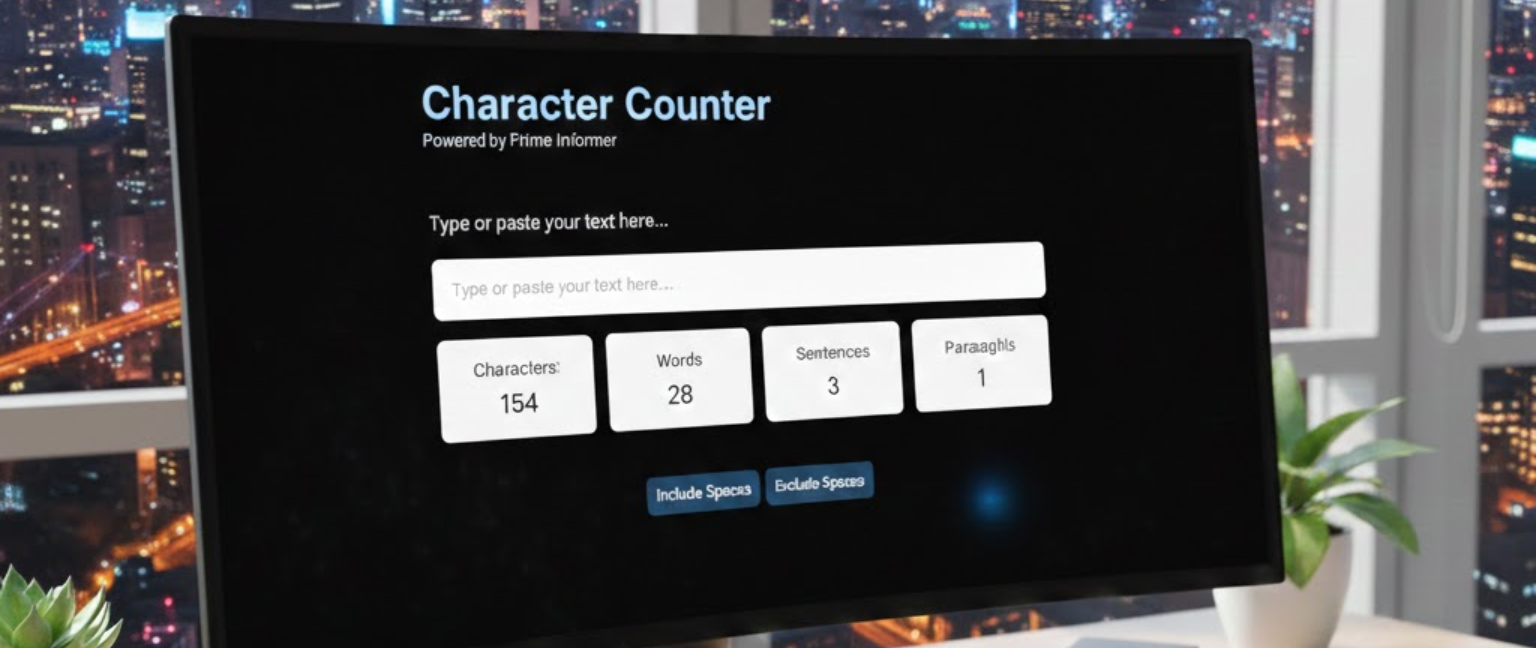
A character counter is a digital tool designed to count every single character in a given text, including letters, numbers, spaces, and punctuation. Unlike a word counter, which focuses on words, a word counter provides the granular detail needed for platforms with strict length limitations, such as Twitter (now X), SMS messages, or SEO meta descriptions. It is an essential utility for writers, social media managers, students, and SEO professionals who need to ensure their text fits within specific constraints to maintain clarity and compliance.
Character Counter
How an Online Tool Saves Your Content
Using an online tool to measure text length is not just about counting; it’s about strategic content creation. Here’s why it’s indispensable in the digital age.
Step 1: Paste or Type Your Text
The process is simple. Navigate to a reliable free text measurement tool and paste your drafted content or start typing directly into the provided box. The tool instantly analyzes your input.
Step 2: Get Instant Feedback on Length
As you type or paste, the tool provides a real-time update. You can immediately see the total number of characters and, in most cases, the total word count. This instant feedback lets you adjust your writing on the fly.
Step 3: Optimize for the Platform
Use the data provided to refine your message. If you are writing a tweet, the limit is 280 characters. For a Google meta description, you have roughly 155–160 characters to convince a user to click. This ensures your content stays within limits and remains impactful.
3 Critical Places Where Text Length Matters Most
Social Media
Platforms like X (Twitter) require concise messaging. LinkedIn previews cut off after a certain point, and Instagram captions have limits. A message that fits the platform looks professional and performs better.
SEO: Meta Titles and Descriptions
Search engines display titles and descriptions within a limited pixel width. A title over 60 characters might get truncated, hiding your key message. Keeping descriptions under 160 characters ensures your listing is complete and persuasive.
SMS Marketing and Two-Factor Authentication
SMS messages are limited to 160 characters per segment. Exceeding this splits messages, increasing costs and potentially confusing recipients. Similarly, secure codes must follow precise character formats for usability.
Conclusion
In a digital world governed by platform-specific rules and shrinking attention spans, a word counter is more than a simple utility—it is a strategic tool for clear communication. Whether you are optimizing a webpage for Google, crafting the perfect tweet, or ensuring an SMS is delivered correctly, understanding and respecting character limits is key to success. By using a reliable online character counter, you take control of your message, ensuring it is seen, read, and acted upon exactly as you intended.
Frequently Asked Questions
1. Do spaces count in the total character count?
Yes, spaces count as characters. They occupy room in tweets, SMS, and text-based content just like letters or numbers.
2. What is the ideal length for a meta description?
Google recommends 155–160 characters. Staying within this ensures your snippet isn’t cut off in search results.
3. Why does Twitter limit messages to 280 characters?
Twitter allows 280 characters per tweet. Exceeding this prevents posting, so concise messaging is essential.
4. Is a character counter the same as a word counter?
No. A word counter counts words, while a character counter counts every letter, number, space, and punctuation.
5. Can I use a character count tool on mobile devices?
Yes. Most tools work in mobile browsers. Many note apps and social platforms also show live character counts.
6. How many characters are in one SMS message?
A single SMS can hold 160 characters. Exceeding this splits it into multiple messages, increasing cost.