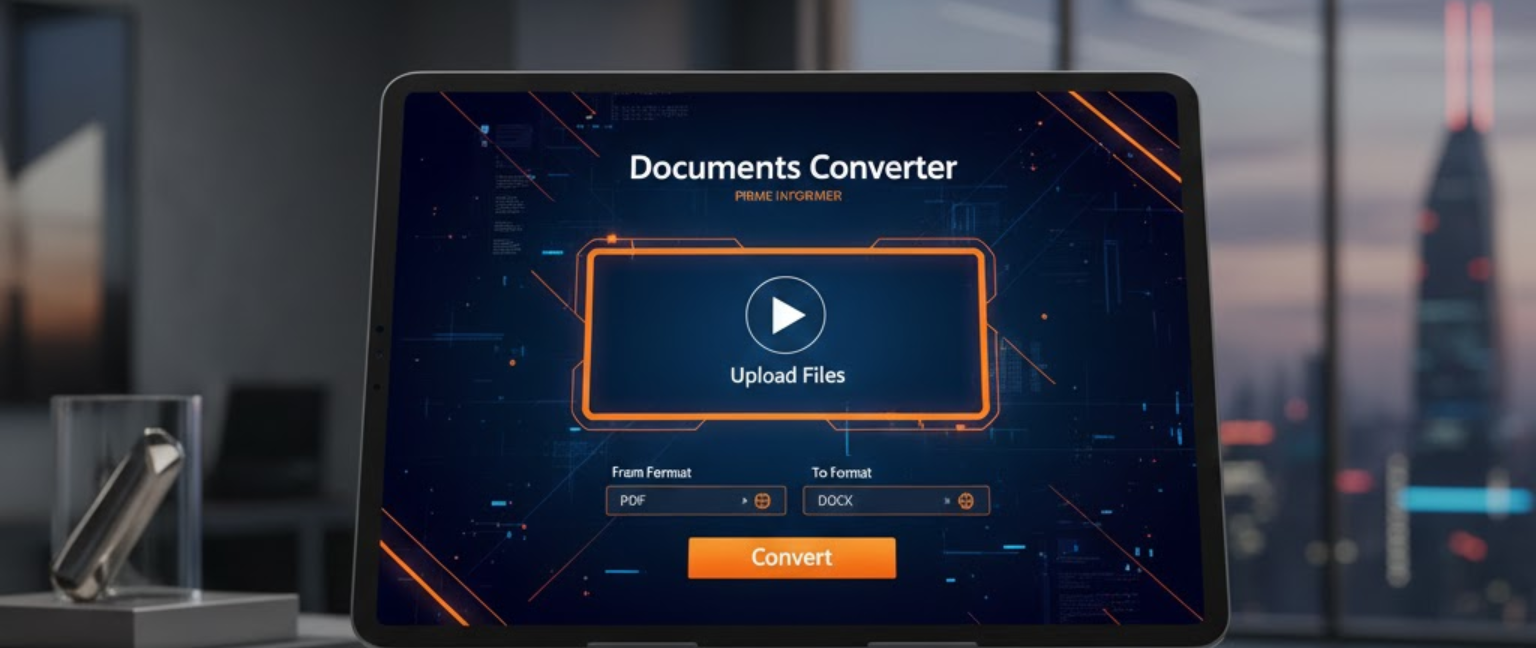
A documents converter is a tool that transforms files from one format to another — such as PDF to Word, JPG to PDF, or Excel to CSV — without installing any software. Whether you’re a student, freelancer, or business professional, converting documents is a daily necessity. The right converter saves time, preserves formatting, and works directly from your browser. According to Statista, over 2.5 trillion digital documents are created globally each year, making file conversion one of the most searched productivity tasks online. A reliable converter is no longer a luxury — it’s a workflow essential.
📄 Complete PDF Tools
All tools from iLovePDF categories: Organize, Optimize, Convert To/From PDF, Edit, and Security.
Why You Need a Reliable Online Document Converter
Most people encounter a file format problem at the worst possible moment — a job application, a client deadline, or a government form that won’t open. An online document converter solves this instantly, from any device, anywhere in the world.
Key reasons people use document converters daily:
- Businesses in the US, UK, India, and Australia rely on PDF conversions for contracts and compliance documents
- Students convert lecture slides and research papers across formats
- Freelancers send invoices as PDFs converted from Word or Google Docs
- Developers process data files like JSON, XML, and CSV in bulk
No installation. No cost. No technical skill required.
Most Common Document Formats You Can Convert
PDF Conversions
PDF remains the world’s most universal document format. Converting PDF to Word, PDF to Excel, or PDF to PowerPoint is the single most requested conversion task globally.
Office Document Conversions
Word to PDF, Excel to PDF, and PowerPoint to PDF are standard in corporate and academic workflows. A good free document converter tool handles all of these in under 10 seconds.
Image-to-Document Conversions
JPG, PNG, and TIFF files can be converted into searchable PDFs using OCR (Optical Character Recognition) technology — essential for scanned paperwork and legal documents.
How to Convert Documents Online (Step-by-Step)
Step 1 — Choose your converter Use a trusted platform such as Smallpdf, ILovePDF, Adobe Acrobat Online, or Zamzar. Each supports dozens of formats.
Step 2 — Upload your file Drag and drop your document or upload it from Google Drive, Dropbox, or your local storage.
Step 3 — Select your output format Choose the format you need — PDF, DOCX, XLSX, JPG, HTML, TXT, and more.
Step 4 — Convert and download Click convert. Most tools process files in 5–15 seconds. Download your file immediately.
Step 5 — Check your output Always review the converted file for formatting issues, especially with complex tables, images, or fonts.
Conclusion
A documents converter is one of the most practical tools in any digital workflow. Whether you need to convert documents online for business, education, or personal use, the right tool does the job in seconds — free, secure, and without any software. From PDF to Word to image conversions, today’s free document converter tools are faster, smarter, and more capable than ever. Stop struggling with incompatible formats. Convert once, work everywhere.
FAQs
Q1: What is a documents converter used for?
A documents converter transforms files between formats — like PDF to Word or JPG to PDF — so you can open, edit, and share documents across any device or platform without compatibility issues.
Q2: Is an online document converter safe to use?
Reputable online document converter tools encrypt your files during upload and automatically delete them after conversion. Always check the platform’s privacy policy before uploading sensitive documents.
Q3: Can I convert documents online for free?
Yes. Most free document converter tools like Smallpdf and ILovePDF offer free conversions with daily limits. For unlimited use, paid plans typically start at $5–$9 per month.
Q4: What is the best format to convert documents into?
PDF is the most universally accepted format for sharing. Use a documents converter to save Word, Excel, or PowerPoint files as PDF to ensure consistent formatting across all devices.
Q5: How do I convert a scanned document to editable text?
Use an online document converter with OCR (Optical Character Recognition) support. Tools like Adobe Acrobat or Smallpdf detect text in scanned images and convert them into editable Word or PDF files.
Q6: Does converting documents affect file quality?
Most high-quality free document converter tools preserve original formatting, fonts, and images. However, complex layouts with embedded graphics may need minor adjustments after conversion.