
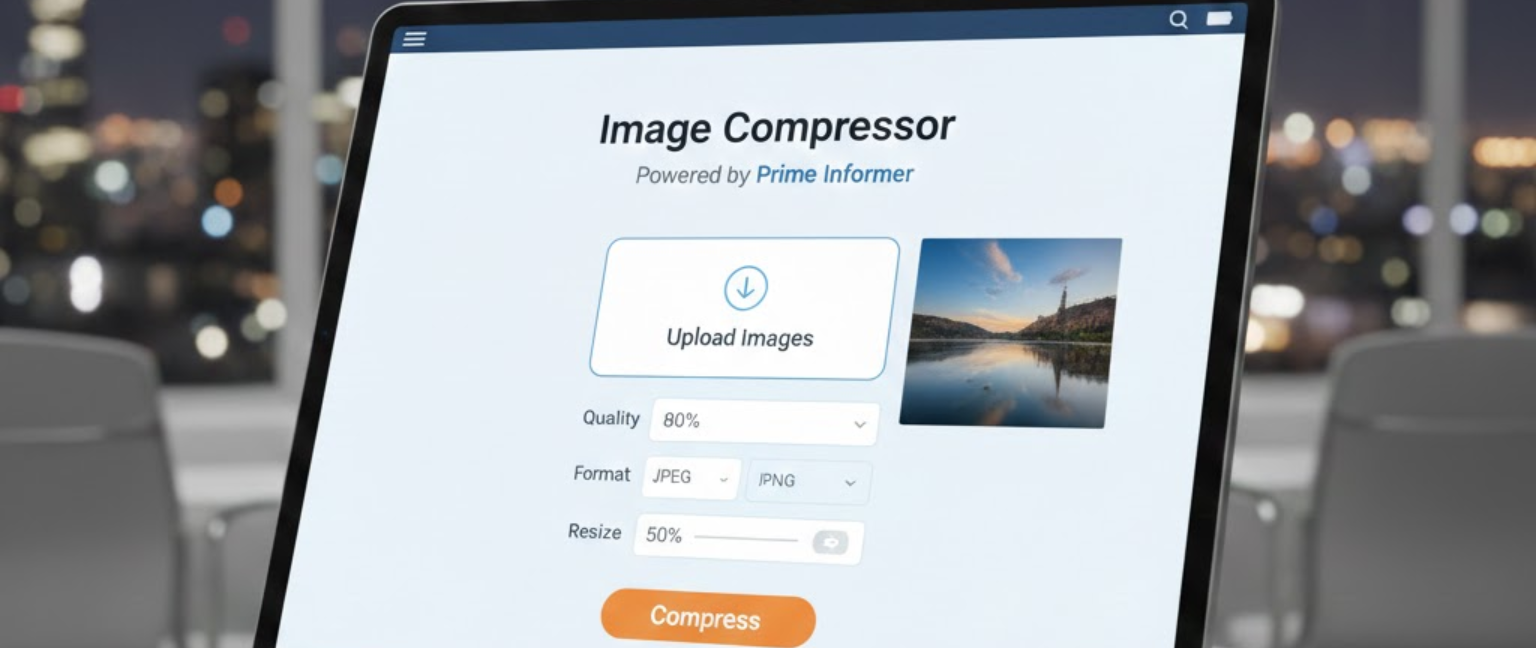
An image compressor is a tool that reduces the file size of images — JPG, PNG, WebP, or GIF — without significantly losing visual quality. Smaller image files mean faster page load times, lower bandwidth usage, and better user experience. Google’s Core Web Vitals data confirms that pages loading in under 2 seconds have a 70% lower bounce rate than slow pages. From e-commerce stores in the US to news portals in India and digital agencies in the UK, compressed images are the foundation of every fast-loading website. If your images are heavy, your entire site pays the price.
🗜️Image Compressor
Compress images with a quality slider. Supports JPEG & PNG (PNG will be converted to JPEG for smaller size).
Why Image Compression Directly Impacts Your Website
Uncompressed images are the single biggest cause of slow websites. A single high-resolution photo from a modern smartphone can exceed 5MB. Upload ten of those to a webpage and you’ve created a loading disaster.
Real consequences of skipping image compression:
- Google penalizes slow pages — PageSpeed Insights flags oversized images as a critical performance issue
- E-commerce sites in the US and UK lose an estimated $2.6 billion annually due to slow page load abandonment
- Mobile users in emerging markets like India, Indonesia, and Brazil on slower networks abandon pages that take more than 3 seconds to load
- SEO rankings drop when Core Web Vitals scores — especially Largest Contentful Paint (LCP) — are poor due to heavy images
Using an online image cropper is the fastest, easiest fix for all of these problems.
Types of Image Compression You Should Understand
Lossy Compression
Removes some image data permanently to achieve significant file size reduction. Best for JPG and WebP formats where minor quality loss is acceptable. Ideal for blog images, product thumbnails, and social media assets.
Lossless Compression
Reduces file size without removing any image data. The quality remains pixel-perfect. Best for PNG files, logos, and graphics where precision matters — such as brand assets and UI icons.
How to Compress Images Online (Step-by-Step)
Step 1 — Choose your compression tool Use trusted platforms such as TinyPNG, Squoosh, Compressor.io, or ShortPixel. Each supports multiple formats and offers free tiers.
Step 2 — Upload your image Drag and drop your file or upload from cloud storage. Most tools accept JPG, PNG, GIF, SVG, and WebP.
Step 3 — Select compression level Choose between lossy (smaller file, slight quality loss) or lossless (same quality, moderate size reduction) depending on your use case.
Step 4 — Compare before and after Quality tools show a side-by-side preview. Ensure the compressed version still looks sharp at its intended display size.
Step 5 — Download and replace Save your compressed file and replace the original on your website, app, or content platform immediately.
Conclusion
An image compressor is one of the highest-impact, lowest-effort tools in your digital toolkit. Whether you manage a blog, an online store, or a corporate website, compressing your images with a reliable online image resizer directly improves speed, SEO rankings, and user experience. Heavy images cost you traffic, conversions, and credibility. Compressed images earn you all three back — in seconds. Start compressing today, and let every page you publish load at the speed your audience expects.
FAQs — People Also Ask (PAA)
Q1: What does an image compressor do?
An image cropper reduces the file size of images like JPG, PNG, and WebP by removing redundant data, making them faster to load on websites and easier to share across platforms.
Q2: Does compressing an image reduce its quality?
It depends on the method. Lossy compression in an online image compressor slightly reduces quality for a major size reduction. Lossless compression maintains full quality with a smaller but moderate file size decrease.
Q3: What is the best free online image compressor?
TinyPNG and Squoosh are widely regarded as the best free tools. Both offer high-quality online image compressor functionality with no software installation and support for multiple image formats.
Q4: How much can an image compressor reduce file size?
A good image compressor can reduce file sizes by 50%–90% depending on the original image and format. A 4MB JPG can often be reduced to under 500KB with minimal visible quality loss.
Q5: Does image compression help SEO?
Yes. Compressed images improve page speed, which directly boosts Google rankings. Using an online image compressor is one of the fastest technical SEO wins available to any website owner.