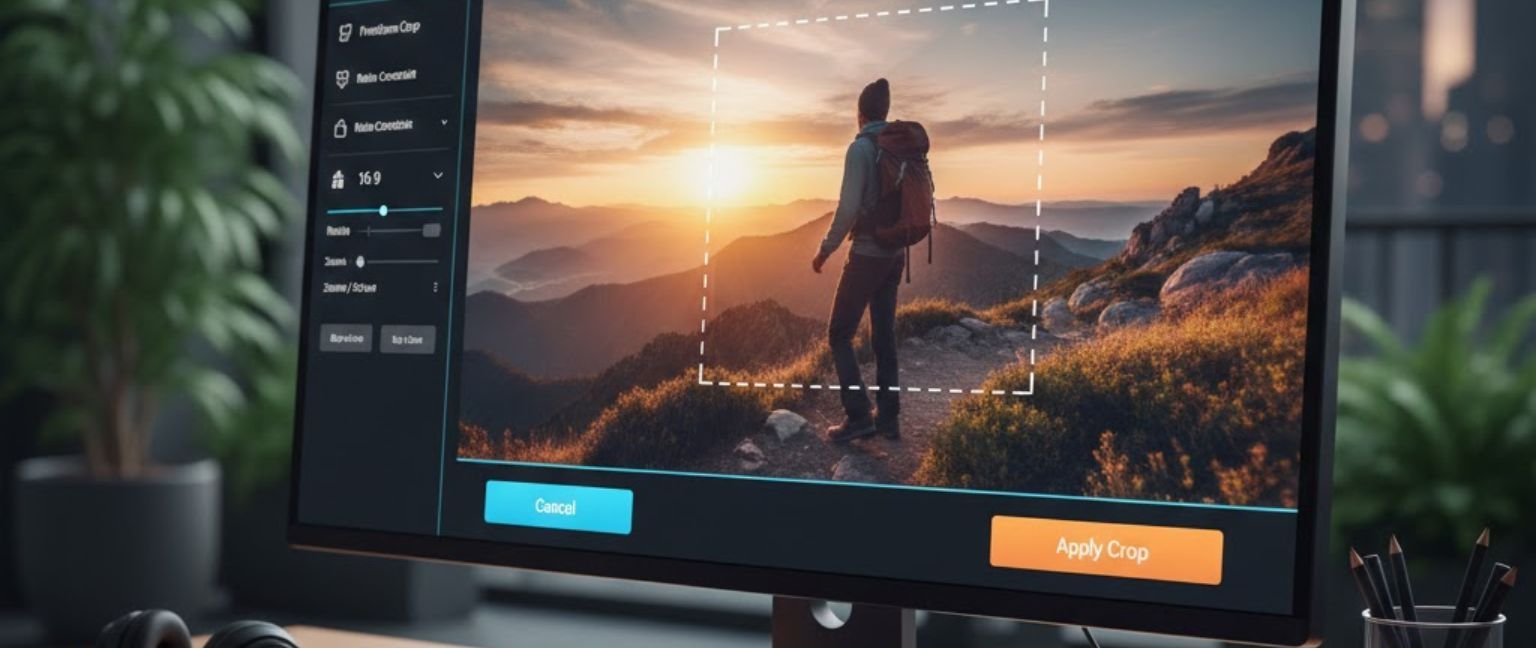
An image cropper is a digital tool that allows you to trim, resize, and remove unwanted portions of photos or graphics. Whether you’re preparing social media content, creating professional presentations, or optimizing website images, a free image crop tool helps you achieve pixel-perfect results without expensive software. Online image croppers have become essential for content creators, marketers, and anyone needing quick photo adjustments. These browser-based editors let you upload images, select specific areas, and download cropped versions instantly—all without installation or technical expertise.
✂️Image Cropper
Crop images with free aspect or preset ratios and download the cropped result.
Tip: drag the edges to resize the crop box, drag inside to move.
How Image Cropping Works
Understanding the Cropping Process
Image cropping tools use selection mechanisms to define which portions of your image to keep. Modern online platforms support drag-and-drop uploads, ratio presets (1:1, 16:9, 4:3), and freeform selection for custom dimensions.
Key Features of Quality Crop Tools
- Aspect ratio locking for consistent dimensions
- Grid overlays for rule-of-thirds composition
- Batch processing for multiple files
- Format conversion (JPEG, PNG, WebP)
- Quality preservation without compression loss
Step-by-Step Guide to Cropping Images Online
- Choose a reliable online image cropper (browser-based, no downloads required)
- Upload your photo via drag-drop or file selection
- Select crop area using handles or preset ratios
- Adjust positioning to frame your subject properly
- Preview the result before finalizing
- Download the cropped image in your preferred format
Benefits of Using Online Image Croppers
Accessibility: Work from any device with internet connection
Cost-effective: No subscription or purchase required
Simplicity: Intuitive interfaces for all skill levels
Speed: Instant results without rendering delays
Privacy: Reputable tools don’t store uploaded files permanently
Conclusion
Using an online image cropper streamlines visual content preparation across personal and professional projects. These free tools deliver professional-grade cropping without software installations or subscriptions, making photo editing accessible to everyone. Whether optimizing images for websites, social posts, or presentations, browser-based croppers provide the speed and simplicity modern workflows demand.
Frequently Asked Questions
Q1: Can I crop images without losing quality?
Yes, quality image croppers maintain original resolution when you remove portions. Choose tools that don’t apply automatic compression. The cropped section retains its pixel density, ensuring professional results for print and digital use.
Q2: What’s the best aspect ratio for social media cropping?
Instagram posts work best at 1:1 (square), stories need 9:16 (vertical), while Facebook and LinkedIn prefer 16:9 (landscape). Most online image croppers offer preset ratios for major platforms, simplifying content creation workflows.
Q3: Are free image crop tools safe to use?
Reputable browser-based croppers use client-side processing, meaning images never leave your device during editing. Always verify the tool doesn’t require registration or request unnecessary permissions before uploading sensitive content.
Q4: Can I crop multiple images simultaneously?
Many free online image croppers support batch processing for multiple files. Upload several photos, apply the same crop settings, and download them together—ideal for product photography or social media content creation at scale.
Q5: Do I need design skills to use cropping tools?
No technical expertise required. Modern crop tools feature drag-and-drop interfaces with visual guides. The rule-of-thirds grid overlay helps compose balanced images even without formal photography training or graphic design background.
Q6: What file formats work with online croppers?
Most tools accept JPEG, PNG, GIF, and WebP formats. Some advanced platforms support RAW files, TIFF, and BMP. Always check format compatibility before uploading, though standard photo formats work universally across platforms.
Q7: How do cropping tools differ from image editors?
Crop tools specialize in trimming and resizing, while full editors offer filters, text, layers, and effects. For quick dimension adjustments without complexity, dedicated cropping platforms deliver faster, more focused results than comprehensive editing software.