
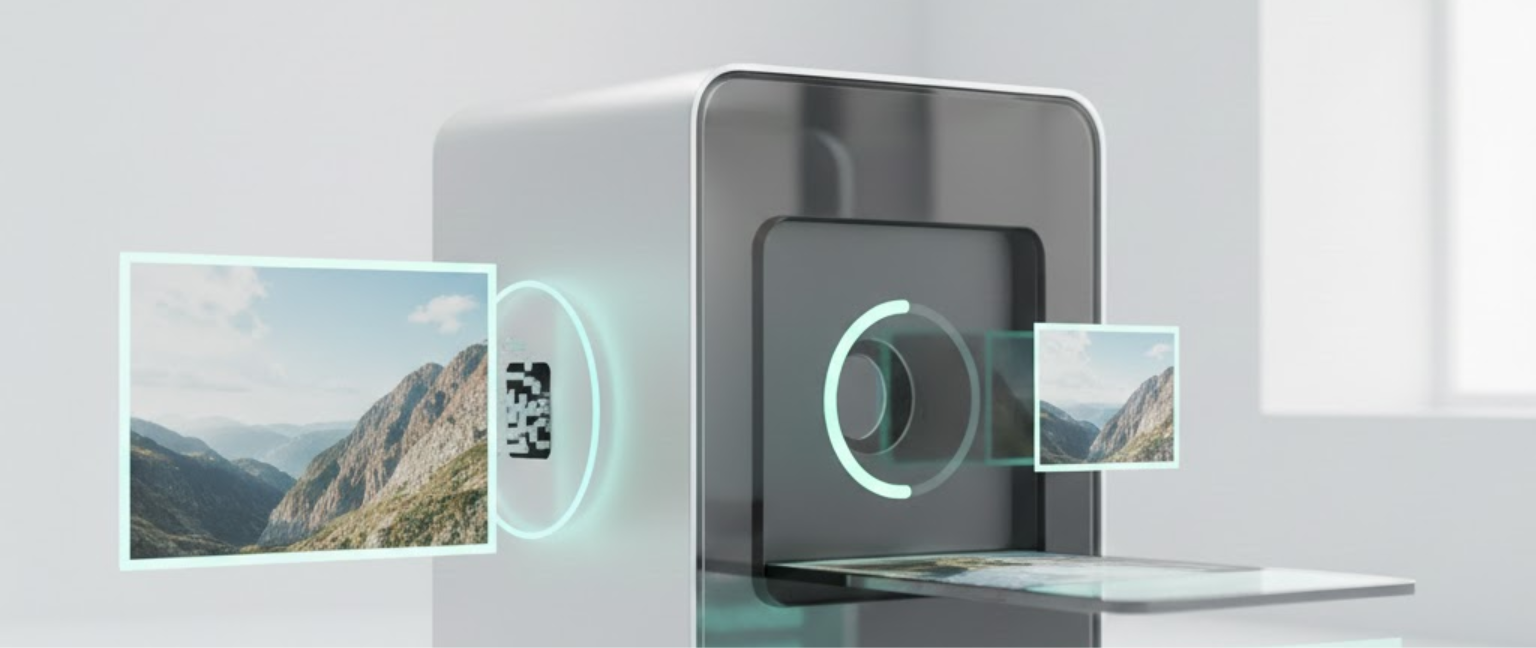
An Image Resizer is a digital tool that adjusts the dimensions (width and height) or file size of an image without significantly reducing quality.
An image size reducer helps you quickly change image dimensions or reduce file size for websites, social media, email, or printing. It ensures optimized visuals while maintaining clarity and proper aspect ratio.
In today’s digital world, whether you’re uploading product photos in Pakistan, sharing social posts in the US, or submitting online forms in the UK, resizing images properly prevents upload errors and improves website speed.
📐Image Resizer
Resize images by pixel size or percentage, then download the result.
Why Image Resizing Matters
Large images slow down websites and increase bounce rates. According to Google PageSpeed insights, optimized images significantly improve load time and user experience.
Using a free images resizer tool helps:
- Meet social media size requirements
- Improve SEO performance
- Reduce bandwidth usage
- Ensure faster page loading
How to Resize an Image (Step-by-Step)
1. Upload Your Image
Choose JPG, PNG, or other supported formats.
2. Select New Dimensions
Enter custom width and height or choose preset sizes.
3. Maintain Aspect Ratio
Enable the lock option to avoid distortion.
4. Download Optimized File
Save the resized version instantly.
If you want to resize JPG online for email attachments or resize PNG image for transparent backgrounds, the process remains the same.
Image Resizing vs Image Compression
| Feature | Image Resizer | Image Compressor |
|---|---|---|
| Changes Dimensions | Yes | No |
| Reduces File Size | Sometimes | Yes |
| Affects Quality | Minimal | Slight Compression |
| Best For | Social media, websites | Storage optimization |
Resizing adjusts dimensions, while compression reduces file weight. Both are useful for performance optimization.
Practical GEO Example
E-commerce sellers in Lahore or Karachi uploading product images to Shopify often face size restrictions. Similarly, Amazon US requires specific pixel dimensions for listings. Using an image size reducer ensures compliance and professional presentation.
Related Tools
- Image Cropper – Crop unwanted areas and adjust framing before resizing.
- Image Compressor – Reduce file size while maintaining acceptable visual quality.
(You can internally link these tools for better site structure and SEO authority.)
Tips for Better Image Optimization
Use Correct Format
- JPG for photos
- PNG for transparent graphics
Follow Platform Guidelines
Instagram posts: 1080×1080 px
Facebook cover: 820×312 px
Avoid Over-Resizing
Too much reduction may reduce clarity.
Conclusion
An Image Resizer is an essential optimization tool for websites, e-commerce, students, and marketers. It ensures images load faster, meet platform standards, and maintain professional quality. Whether you need to resize JPG online, resize PNG image, or reduce file dimensions efficiently, using the right tool improves performance and user experience.
Optimize smartly, upload confidently, and maintain visual quality without compromise.
Frequently Asked Questions (PAA Optimized)
1. What is an Image Resizer?
An Image Resizer is an online tool that changes image dimensions or resolution while maintaining visual clarity and proper formatting for web or social platforms.
2. How do I resize JPG online?
To resize JPG online, upload your file, set new dimensions, maintain aspect ratio, and download the optimized version instantly using a free image resizer tool.
3. Is resizing the same as image compression?
No, resizing changes dimensions, while compression reduces file weight. An image size reducer may combine both features for better optimization.
4. Can I resize PNG image without losing quality?
Yes, you can resize PNG image using high-quality algorithms that preserve transparency and sharpness when dimensions are adjusted properly.
5. Why should I use a image size reducer tool?
A image size reducer saves time, improves website speed, ensures SEO performance, and prevents upload errors caused by large image dimensions.
6. Does resizing affect SEO?
Yes, properly resized images improve loading speed, enhance user experience, and positively impact search engine rankings.